A Short History of Business Software in Three Big Shifts
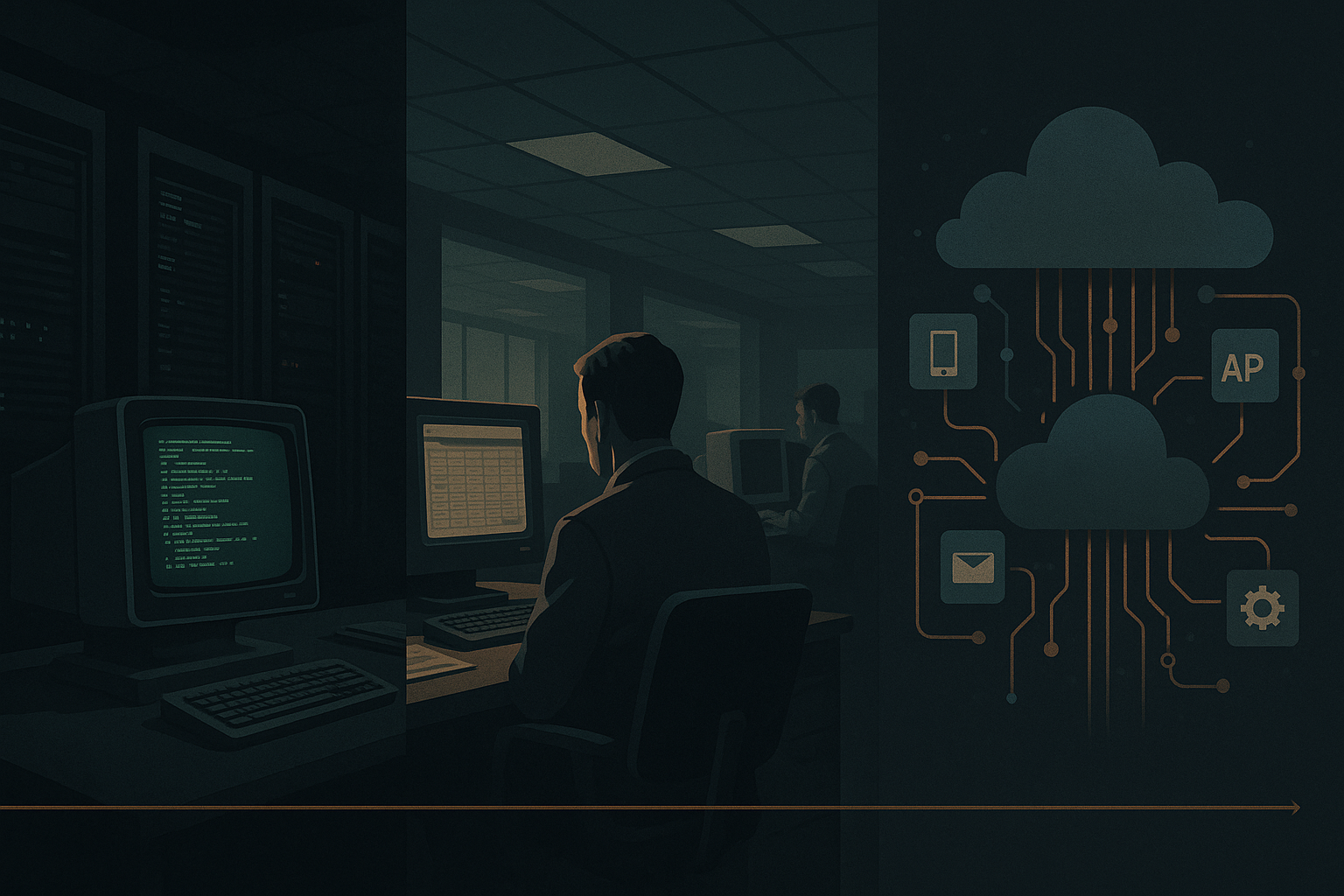
Business software didn't change in a single moment. It shifted in three broad stages. Each stage changed the rules for how companies organized work, who made technical decisions, and what people actually did day to day.
This post breaks those stages into simple, practical descriptions and draws out the concrete implications for companies and workers today.
The three big shifts — at a glance
- Centralized computing: reliability and control moved into IT.
- Desktop and client-server: departments gained autonomy and spreadsheets.
- Cloud, APIs, and automation: software became composable and programmable.
Shift 1 — Centralized computing (mainframes and early enterprise systems)
What it looked like
- Big machines in dedicated rooms. Batch jobs, scheduled overnight processing, and tightly controlled change windows.
- Systems were custom, expensive, and usually built or heavily modified by IT teams or vendors.
What changed for companies
- Consolidation of data and processes in single systems reduced duplication and improved consistency.
- Central IT became the bottleneck and the guardian of standards.
What changed for workers
- Workers followed rigid, predefined processes. Interaction with software was limited to terminals or paper outputs.
- Speed of change was slow; business changes required formal projects and significant lead time.
Limits that mattered
- Low flexibility: adapting to new needs was costly and slow.
- Visibility gaps between how work actually happened and how systems were designed.
Lesson to keep
- Centralization buys control and consistency, but costs flexibility and speed.

Shift 2 — Desktop and client-server (PCs, spreadsheets, and departmental apps)
What it looked like
- Personal computers, productivity software, and client-server applications moved capability to the edge — departments and even individuals.
- Spreadsheets and small databases became informal systems of record.
What changed for companies
- Faster experimentation: teams could build prototypes and run new processes without waiting for central IT.
- Tool proliferation: many overlapping systems and ad hoc integrations appeared.
What changed for workers
- Empowerment: people could model, analyze, and automate parts of their jobs directly (think macros and spreadsheets).
- Ownership shifted: business users often owned the process and the data in practice, even when IT owned formal systems.
Limits that mattered
- Fragility: spreadsheets and unofficial integrations introduced errors and versioning problems.
- Hidden technical debt: undocumented processes and local solutions accumulated across the organization.
Lesson to keep
- Decentralization increases speed and ownership, but requires guardrails and repeatable patterns to avoid brittle systems.

Shift 3 — Cloud, APIs, automation, and agents (networked, programmable services)
What it looked like
- Software delivered as services (SaaS), accessible via browsers and APIs. Integration is a first-class feature.
- Automation platforms, low-code tools, and now intelligent agents let systems act on data and trigger workflows.
What changed for companies
- Composability: teams stitch best-of-breed services together instead of buying large, monolithic systems.
- Faster delivery: new capabilities can be deployed by combining existing services and automations.
What changed for workers
- Focus shifts from repetitive tasks to managing and supervising automated flows and interpreting outputs.
- Workers need new skills: understanding data contracts, monitoring automations, and thinking in integrations.
Limits that matter
- Operational complexity: many services means many integration points to secure, monitor, and govern.
- Trust and observability: when systems act on your behalf, you need clear traces and recoverable fallbacks.
Lesson to keep
- Programmability and automation accelerate work, but they demand investment in integration, monitoring, and governance.
Bringing the three shifts together — practical implications
These shifts aren't mutually exclusive. Modern companies often carry artifacts from all three eras: central data warehouses, departmental spreadsheets, and dozens of SaaS apps. That mixed reality shapes practical choices.
Checklist for tool decisions and migration
- Start with the workflow, not the feature. Map who does what today and where decisions live.
- Prefer composable tools with clear APIs and data export capabilities.
- Define ownership: who owns the data, the integration, and the automation? Make it explicit.
- Plan for observability: logs, audit trails, and simple dashboards for automated processes.
- Use small experiments: deploy automations in a limited scope, measure impact, and iterate.
- Avoid one-off spreadsheets becoming the long-term system; replace them with supported workflows when scale or risk demands it.
When introducing agents or AI-driven automations
- Identify low-risk, high-value tasks for initial automation (summaries, routine queries, templated responses).
- Build guardrails: approval steps, human-in-the-loop checkpoints, and clear rollback paths.
- Monitor accuracy, bias, and operational cost — these systems degrade or drift if left unchecked.
Final thoughts
Understanding these three shifts helps you choose the right trade-offs: centralization for consistency, decentralization for speed, and programmability for scale. Most organizations need a mix — plus the governance to keep that mix healthy.
Practical takeaway: map your current workflows, pick one small automation to replace a fragile manual process, and require clear APIs, ownership, and monitoring before scaling it.
