What we mean by "assistant"
An assistant, as a product pattern, combines three things:
- Persistent context: the system remembers the ongoing task and relevant data.
- Goal-driven behavior: it accepts a goal or intent and maps that to actions or suggestions.
- Action surface: a UI (chat, command palette, omnibox) that both recommends and executes steps.
This is different from a one-off feature (e.g., a single autocomplete) because it treats the product as a collaborator rather than a static tool.
Why the pattern is spreading
Four practical reasons:
- Users want fewer context switches. An assistant keeps context so people don’t bounce between apps.
- Integration is cheaper. Connectors and APIs let assistants orchestrate work across systems.
- Interaction expectations have shifted. People expect conversational, goal-oriented surfaces (search that asks a follow-up, a calendar that proposes meeting times).
- Small automation wins compound. When a product can take routine steps, it saves measurable time.
These forces apply across search, support, productivity, and commerce. The result: different products converging on a similar interaction model.
Examples across domains
Search
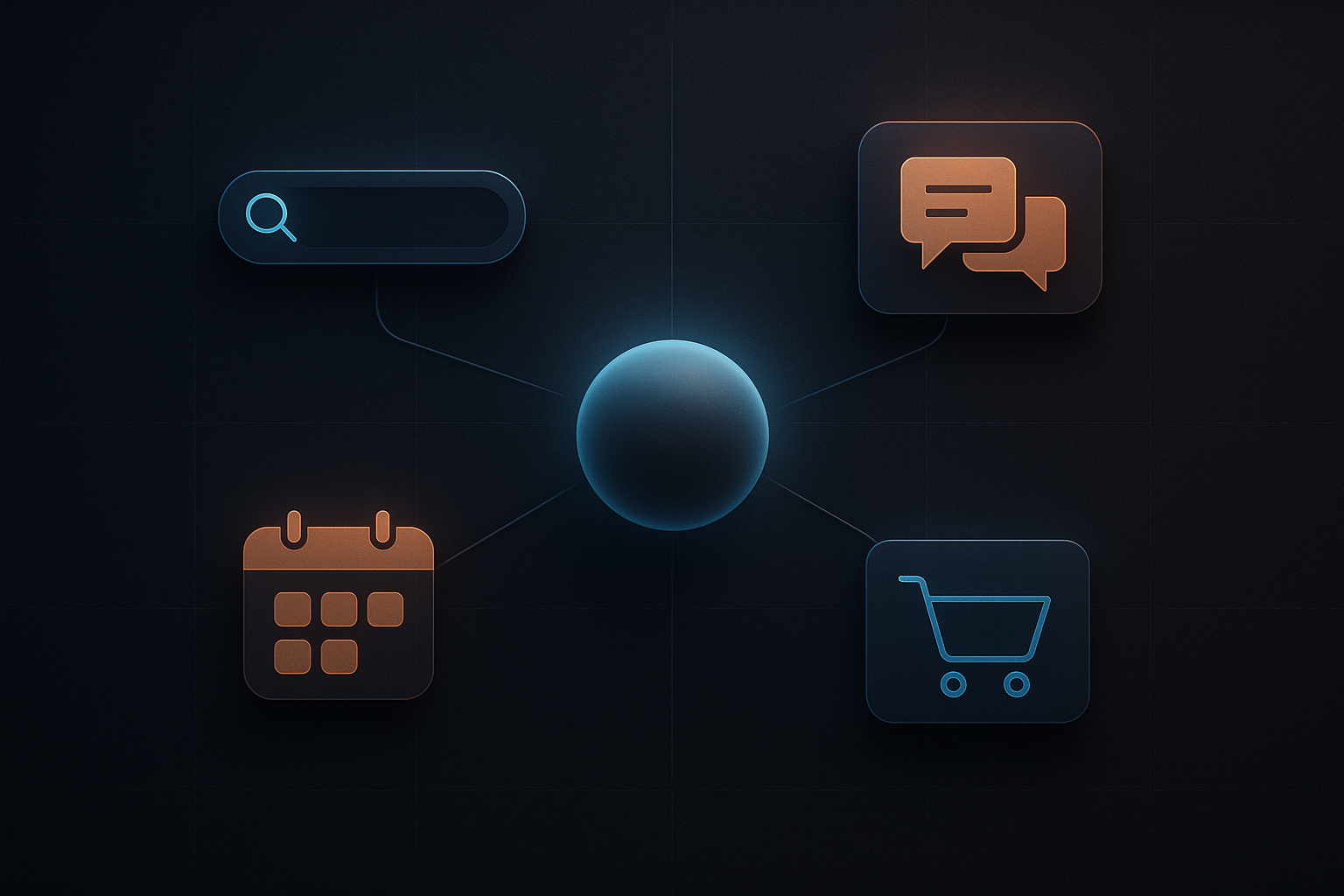
- Instead of returning a ranked list and leaving the next step to the user, search-as-assistant offers follow-ups, filters, and executable actions (save, schedule, share) while keeping the query context.
Support
- Modern help systems combine fetch (retrieve a relevant article), triage (ask clarifying questions), and act (open a ticket, escalate). The support tool becomes an assistant for both customers and agents.
Productivity
- Email and calendar assistants summarize, propose replies, schedule meetings, and create tasks. They maintain conversation context and can act with user permission.
Commerce
- Shopping assistants curate options, apply constraints (price, size, delivery), and can complete transactions or place orders on behalf of customers.
These aren’t theoretical; they’re incremental product choices: add memory where it matters, map intents to actions, and expose a simple execution surface.

Key design components of assistant-like tools
Designing an assistant pattern reliably requires thinking in terms of states and actions, not pages and buttons.
- State model: what the assistant remembers (user profile, recent items, active task). Keep this minimal and auditable.
- Intent mapping: how user inputs map to actions; prefer explicit confirmations for destructive operations.
- Action primitives: small, reversible operations (create, edit, route, remind) that compose into bigger tasks.
- Conversation surface: a place to ask clarifying questions and show options—doesn’t have to be literal chat; it can be a command palette or omnibox.
- Guardrails: permissions, timeouts, and human review flows.
Technical considerations (practical list)
- Connectors: start with a few high-value integrations rather than broad coverage.
- Observability: log intent, context, and actions so you can audit behavior and debug failures.
- Latency: prefetch likely data to keep the assistant snappy; degrade gracefully to suggestions when live actions are slow.
- Fallbacks: if an automated step fails, provide a clear next step for the user.
- Privacy and consent: make memory explicit and easy to clear; surface what the assistant remembers.

Where to apply this pattern (quick checklist for product teams)
- Repeatable task: Does the workflow repeat with small variations? If yes, it’s a candidate.
- Clear actions: Can you enumerate the small actions the assistant would perform? If not, map actions first.
- Low-risk automation: Start with read-only suggestions, then safe writes, then full act-on-behalf features.
- Measurable outcomes: Can you measure time saved, error reduction, or completion rate? Use those metrics.
- Failure mode plan: Define how the system fails, how users are informed, and how to recover.
A few common mistakes to avoid
- Treating the assistant as magic. Users need transparency about what changed and why.
- Overloading memory. Remember less and make it explicit; unexpected memory breaks trust.
- Skipping human-in-the-loop for high-impact operations. Always surface confirmations for irreversible actions.
- Ignoring observability. If you can’t trace what happened, you can’t fix it.
How to prototype with low risk
- Wizard-of-oz tests: route actions through a human operator before automating.
- Feature toggles: expose assistant features to a subset of users and collect behavior data.
- Progressive levels of agency: suggestion → assisted action (user clicks to approve) → delegated action (user grants permission to act).
Practical architecture sketch (high level)
- Input layer: omnibox/command palette/chat UI that captures intent and context.
- Routing layer: maps intent to skills/actions and chooses connectors.
- Execution layer: runs actions against integrations with retry and audit.
- State layer: short-term context + optional explicit memory store.
- Monitoring & governance: logs, human review queues, permission controls.
This architecture keeps control visible and makes failures manageable.
Practical takeaway
Start small: map one repeatable workflow, list the atomic actions, and expose the assistant as a suggest-and-confirm experience first. Measure outcomes, add safe writes later, and make memory and permissions explicit.
